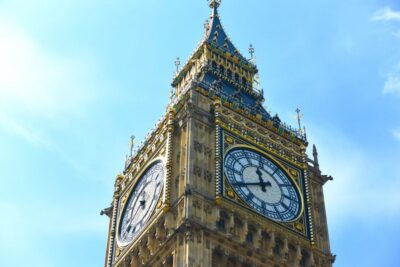
REVIEW · HARRY POTTER TOURS
London: Harry Potter Movie Location Tour with an APP
Book on GetYourGuide →Operated by Trippy Tour Guide · Bookable on GetYourGuide
London turns into a spellbook with headphones. This self-guided Harry Potter movie location tour uses the Trippy Tour Guide app to point you to real filming spots and key streets, with 40+ narration points that explain what you’re seeing and how scenes came together. You’ll hit famous set-pieces like Platform 9¾ and real-life Diagon Alley locations such as Leadenhall Market, all at your own pace.
The biggest watch-out is time. The plan is around 3 hours, but the walk plus photo stops plus audio timing can run longer—especially if your phone GPS and app audio don’t line up instantly.
In This Review
- Key highlights worth planning around
- A self-guided Harry Potter London walk that actually works on the street
- Entering the experience at Westminster Station to get your bearings
- Parliament Street, Whitehall Garden, Trafalgar Square: the map moves fast
- Cecil Court and Leadenhall Market: Diagon Alley energy in two very different streets
- Platform 9¾ and the Hogwarts Express moment you can walk toward
- Millennium Bridge to Tower Bridge: two film-adjacent crossings with different moods
- Harry Potter filming secrets: what you get without a live guide
- What about timing: when 3 hours becomes a late-night walk
- Price and value: paying $12 for app magic, not a human guide
- Languages and self-control: English plus options for other travelers
- Who should book this Harry Potter London app tour
- Should you book this London Harry Potter Movie Location Tour with the Trippy app?
- FAQ
- Is this tour self-guided or does it include an in-person guide?
- How long is the London Harry Potter movie location tour?
- Where do I start, and when does it begin?
- Do I need headphones and a charged phone?
- Does it require Wi-Fi?
- Which languages are available for the audio?
- Is entry included to any attractions or venues?
Key highlights worth planning around
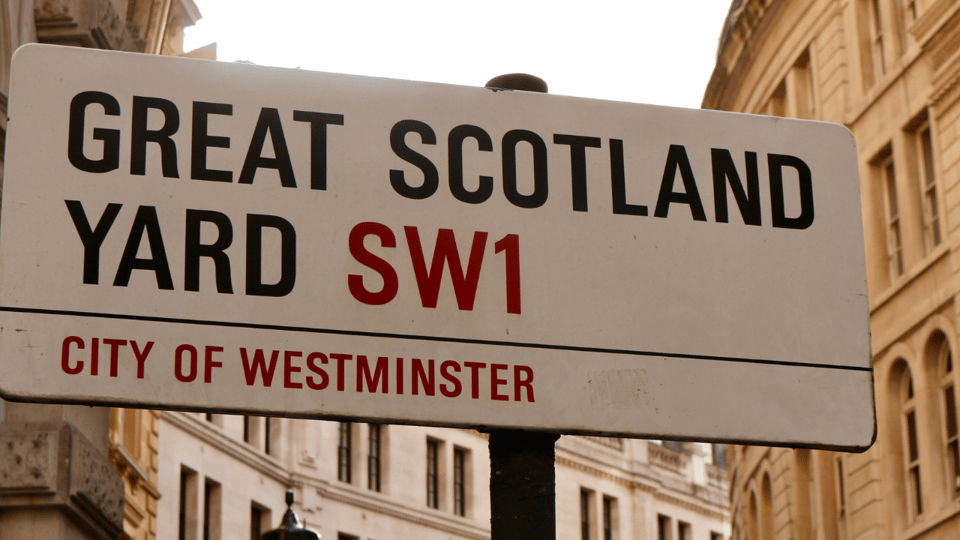
- Platform 9¾ at the right moment: you’ll be guided to the scene-connected spot where the Hogwarts Express departs.
- Millennium Bridge crossing: a direct film-linked stroll you can do on foot, not just see from afar.
- Diagon Alley on real streets: you’ll visit Cecil Court and then Leadenhall Market, both tied to the series’ London look.
- Behind-the-scenes narration: the audio includes secrets about how the Harry Potter films were made, not just name-checks.
- Route guidance without a live guide: directions are built into the experience, and stories can play, stop, replay, or rewind.
- Works in multiple languages: English, French, Spanish, German, Italian, Chinese are available.
A self-guided Harry Potter London walk that actually works on the street

This is one of those tours that feels more like a trail with a soundtrack than a “group activity.” The Trippy Tour Guide app handles the story. You handle the walking. That can be great—because you’re not stuck waiting for anyone, and you can replay the narration when a street layout surprises you.
The audio is structured as automatic stories that start as you move along the route, with over 40 narration points tied to popular London locations. You’ll also get directions to both major sights and smaller streets, which matters because you’re covering Central London on foot.
One practical note: you need your phone ready. Bring headphones and a charged smartphone, and plan to have the app and tour downloaded. The whole system depends on you having a stable internet connection for the setup and then enough signal to keep things running smoothly.
You can also read our reviews of more tours and experiences in London



Entering the experience at Westminster Station to get your bearings
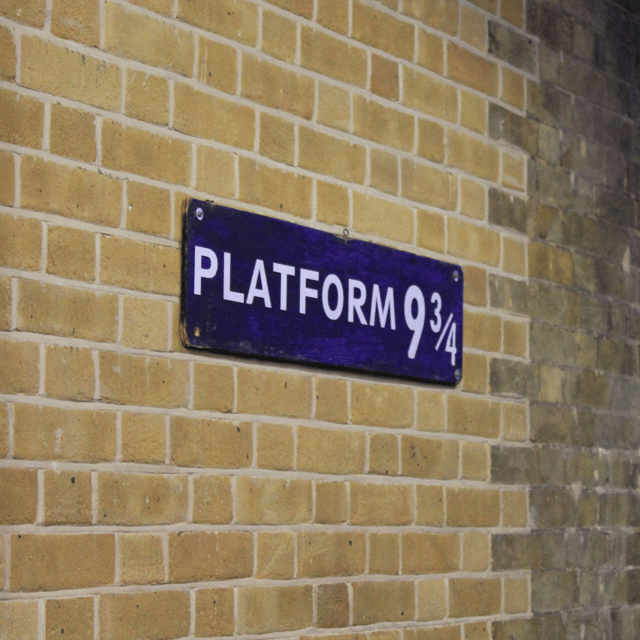
You begin at Westminster Station, then the walk eases into the “London political meets wizarding world” feeling. From there, you’ll head down Parliament Street, then you’ll find Whitehall Garden, before the route moves on to Scotland Yard.
Why this opening works: it sets the tone with places that look recognizably London—serious buildings, big views, and streets that feel like the real backdrop behind the fantasy. Even if you’re only a casual fan, this stretch gives you that satisfying contrast between everyday city life and film magic.
Expect the route to be very much “follow the phone.” You’ll get story beats as you go, and you’ll also have turns to make. If you’re the type who likes to keep your eyes up (you should), keep your ears on too. The audio guides you through what’s coming next, but you still need to stay aware of where you are.
Parliament Street, Whitehall Garden, Trafalgar Square: the map moves fast
After that first run of landmarks, you’ll reach Trafalgar Square—a place that’s already iconic in real life. Here, the tour doesn’t just point at a postcard view. It adds the Harry Potter layer so you’re not merely sightseeing; you’re connecting streets to scenes.
In this section, the main “value” is how the narration makes you look twice. You’re walking through a part of London that’s easy to rush through on your own, but the audio gives you reasons to slow down: what this area helped represent, how the production used the city, and what to notice.
If your timing is tight, this is where you’ll feel it. London crowds and stop-start walking can stretch your pace, and the tour’s audio timing assumes you’re moving. If you pause a lot for photos or refreshment breaks, you’ll likely want to use the app controls to replay/rewind so you don’t lose the story thread.
Cecil Court and Leadenhall Market: Diagon Alley energy in two very different streets
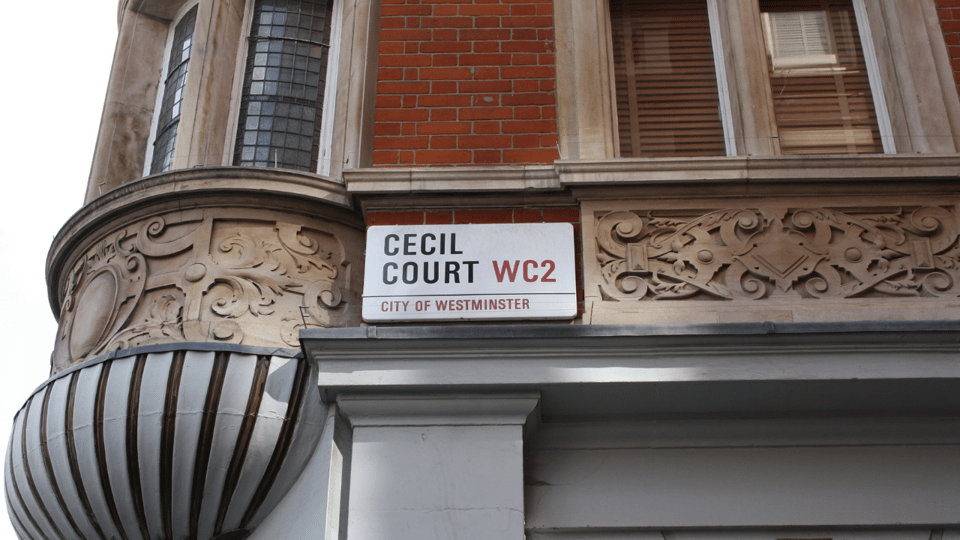
This is the part Potter fans usually care about most. You’ll visit Cecil Court, a quieter street that inspired the look of Diagon Alley. Then later you’ll reach Leadenhall Market, which is another real London location tied to that same magical shopping-street feel.
Cecil Court works well because it gives you the “backstreet” vibe. It’s not trying to shout for attention. The tour’s narration helps you connect the film imagination to the actual lines of buildings and storefronts you can see in person.
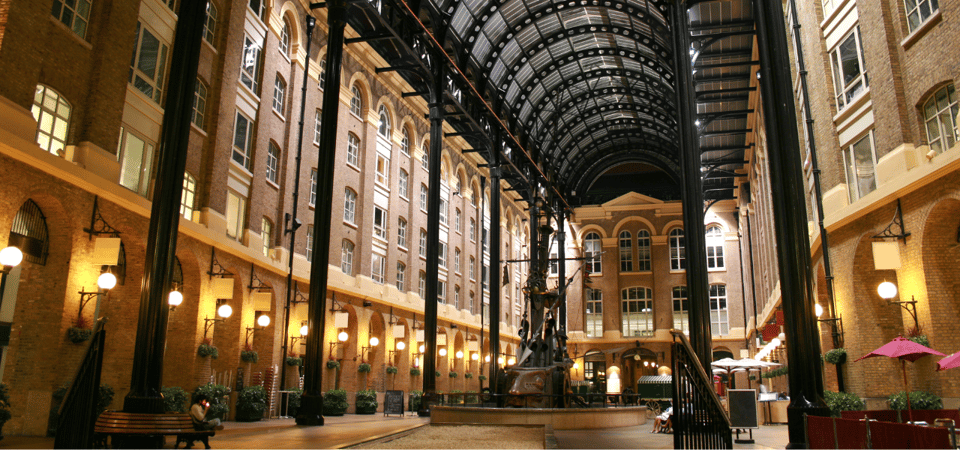
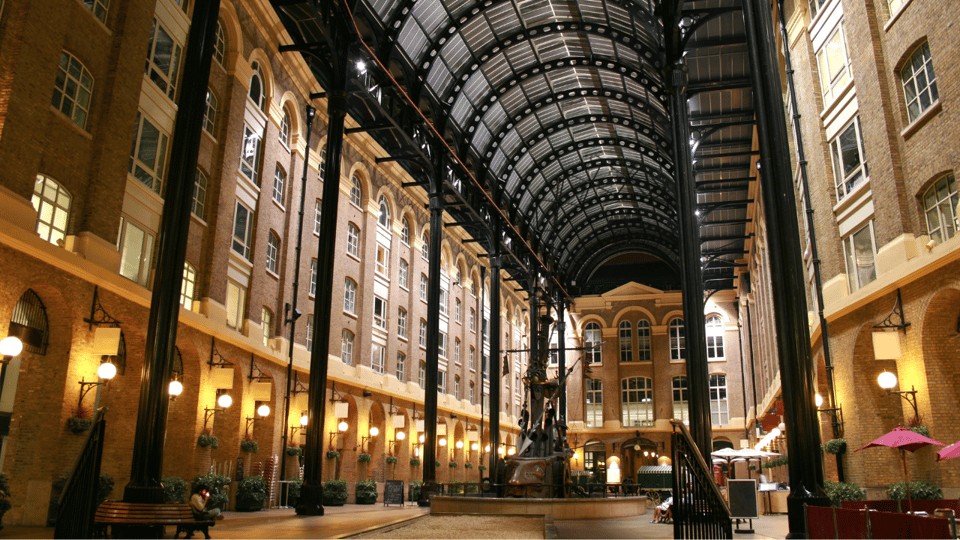
Leadenhall Market is where the experience becomes more cinematic. Markets in London have a built-in sense of atmosphere, and the tour leans into that by tying the location back to the Diagon Alley concept. You’re not just looking at pretty architecture; the audio helps explain why it reads as wizarding London on camera.
A tip for both stops: slow down for 10 minutes more than you think you need. Not because you’ll be trapped in crowds, but because these streets give you angles. If you rush through, you’ll miss the best viewpoints for your own photos.
Platform 9¾ and the Hogwarts Express moment you can walk toward
Then comes the headline: Platform 9¾. The tour guides you to the place associated with Harry boarding the Hogwarts Express, and it’s one of those “okay, wow” stops even if you’ve seen only still images.
This isn’t a hands-on themed attraction included in the tour (your ticketing isn’t mentioned as included), so treat it as a location experience: you’re arriving, you’re listening to the story, and you’re taking it in. The app narration is what makes it feel like a scene rather than just another photo spot.
If you’re traveling with kids, this is the stop that usually lands the hardest. If you’re traveling as an adult, it’s still fun because it turns nostalgia into movement. You’re walking the route the series suggests, instead of just reading about it.
After Platform 9¾, you cross toward a key film-linked crossing: the Millennium Bridge.





Millennium Bridge to Tower Bridge: two film-adjacent crossings with different moods
You’ll cross the Millennium Bridge, featured in the Harry Potter films. This stretch is about motion. It’s less about standing still and more about seeing the bridge as a moving viewpoint, with city views changing as you walk.
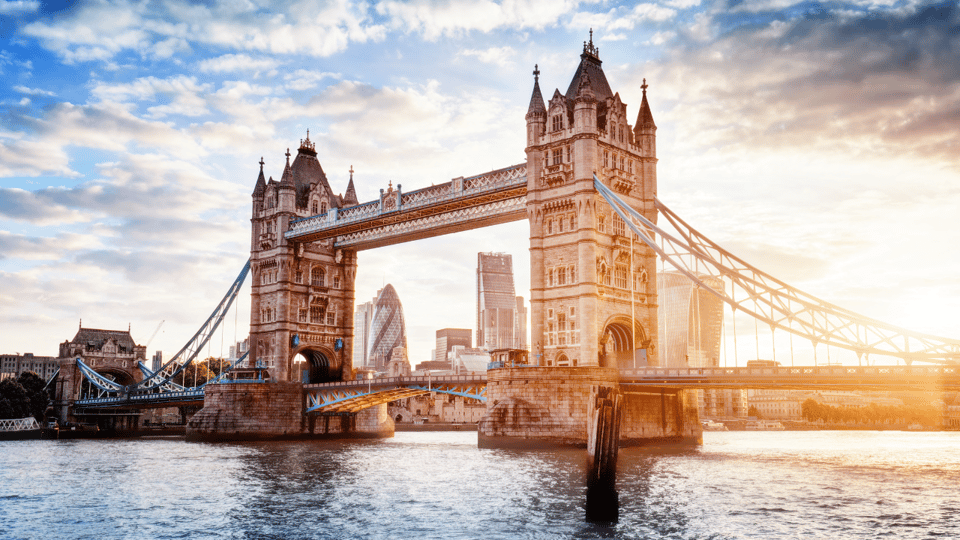
And then your tour ends at Tower Bridge. That’s a smart finish point because it gives you a dramatic “I made it” moment. Even if you started feeling a little streets-tired, Tower Bridge can reset your mood fast: big lines, wide views, and that classic London skyline effect.
Just don’t treat the tour’s end as guaranteed “exactly 3 hours.” The tour is designed to run about 2 to 4 hours, and the experience depends on how quickly you keep up with the audio cues. If you’re starting late in the day or have another plan that evening, build in a buffer.
Harry Potter filming secrets: what you get without a live guide
This tour includes narration that goes beyond pure sightseeing. It includes secrets about how the Harry Potter films were made, plus explanations tied to where you are in the city.
That matters because London locations alone can feel like generic tourism if there’s no story glue. Here, the audio is the glue. It connects the street you’re standing on to a filmmaking choice and a scene outcome, so you’re not simply collecting landmarks. You’re understanding why those landmarks look the way they do on screen.
Your experience will depend on your setup:
- You’ll want headphones so the audio is clear in busy street noise.
- You’ll want the app loaded and ready before you start.
- You can use controls to start, stop, replay, or rewind so you can catch up if a cue happens while you’re walking through an awkward corner.
One more thing: the audio automatically plays as you go along the route. If your GPS or orientation is a bit off, you may need to correct by moving a few steps until the narration syncs again.
What about timing: when 3 hours becomes a late-night walk
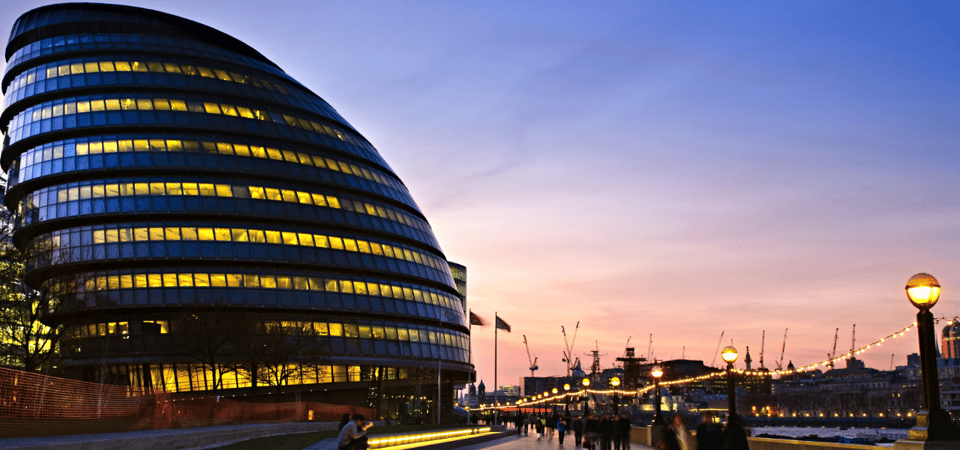
The listing says 3 hours, but the actual experience you’ll feel can be closer to the higher end. There are multiple major photo moments (Platform 9¾, the bridge crossings) plus smaller streets that are worth pausing for.
Some parts of the route can also be harder to “speed-walk” because you’ll naturally stop for skyline shots, shopfront details, and audio cues. If you keep your pace steady, you’ll probably stay within a comfortable window. If you start mid-afternoon and you’re checking your phone constantly, you can end up walking longer than you expected.
So here’s my practical advice:
- If you have tight plans later, plan to stop at Tower Bridge even if you haven’t heard every audio point.
- If you want the full story, treat it like a morning-or-early-afternoon activity so you’re not rushing your last bridge crossing.
- If you get behind, don’t panic. Use the app’s ability to replay/rewind so you can keep the narrative intact.
Price and value: paying $12 for app magic, not a human guide
At about $12 per person, this tour is priced in a way that makes sense for an audio-guided format. You’re paying for the app access, the 40+ narration points, and the built-in directions. You’re not paying for an in-person guide, and you’re not paying for entries or tickets.
For value, ask yourself one question: do you like self-paced walking? If yes, this price is easy to justify because you can fit it into your schedule and use the audio like a personal guide.
If you strongly prefer a live person—someone to answer questions on the fly, correct your route in real time, and keep you moving—that’s not what this experience is built for. The “personality” here is the audio script, not a human host.
Also, you’re responsible for your own tech success. No surprise, but it’s real: headphones, downloaded app, and enough connection for setup are required so your day doesn’t turn into a troubleshooting session.
Languages and self-control: English plus options for other travelers
The audio guide is available in English, French, Spanish, German, Italian, and Chinese. That’s a nice win if you’re traveling with friends or family who want a shared experience in their preferred language.
The other big advantage is control. Stories can start, stop, replay, and rewind. That means if you miss a section because you paused for a photo, you can catch up without derailing the whole walk.
This also helps with pacing. If you want to take your time at Diagon Alley-related stops, you can. If you want to move faster around big squares, you can. The tour isn’t locked to group behavior.
Who should book this Harry Potter London app tour
You’ll probably love it if:
- You want Harry Potter filming locations plus explanations, without joining a group.
- You enjoy walking through London streets and letting your phone guide the story.
- You like the idea of audio you can replay so the movie context actually lands.
You might want to think twice if:
- You hate tech setups and weak phone signal.
- You’re traveling with limited time and need something that stays strictly on schedule.
- You’d rather have a human guide to handle route issues and questions.
This works best when you treat it like a half-day adventure, not a quick hit.
Should you book this London Harry Potter Movie Location Tour with the Trippy app?
If you want a budget-friendly way to walk major Harry Potter London filming-adjacent sites—Platform 9¾, Millennium Bridge, Cecil Court, Leadenhall Market—and you’re comfortable using an app on your phone, I’d say it’s worth booking. The standout strength is the audio story: it ties locations to the films and includes behind-the-scenes secrets, which is what turns a city walk into a movie experience.
If your biggest priority is strict timing, or you know you’ll be short on battery/data, you’ll want a backup plan. Bring your essentials, download ahead on Wi-Fi, and give yourself enough time to reach Tower Bridge without feeling rushed.
Do that, and you’ll have a fun way to see London with wizard glasses on.
FAQ
Is this tour self-guided or does it include an in-person guide?
It’s self-guided through the Trippy Tour Guide app. The activity does not include an in-person guide.
How long is the London Harry Potter movie location tour?
The tour takes between 2 and 4 hours, with a duration listed as 3 hours.
Where do I start, and when does it begin?
You start at Westminster Station. You’ll need to check your email for instructions and credentials to access the tour in the Trippy Tour Guide app, then launch the tour on-site for it to start.
Do I need headphones and a charged phone?
Yes. You should bring headphones and a charged smartphone, along with the downloaded app.
Does it require Wi-Fi?
You’ll need strong internet connection for the steps to install and download the tour using Wi-Fi. Your tour stories play automatically as you go along the route.
Which languages are available for the audio?
The audio guide is available in English, French, Spanish, German, Italian, and Chinese.
Is entry included to any attractions or venues?
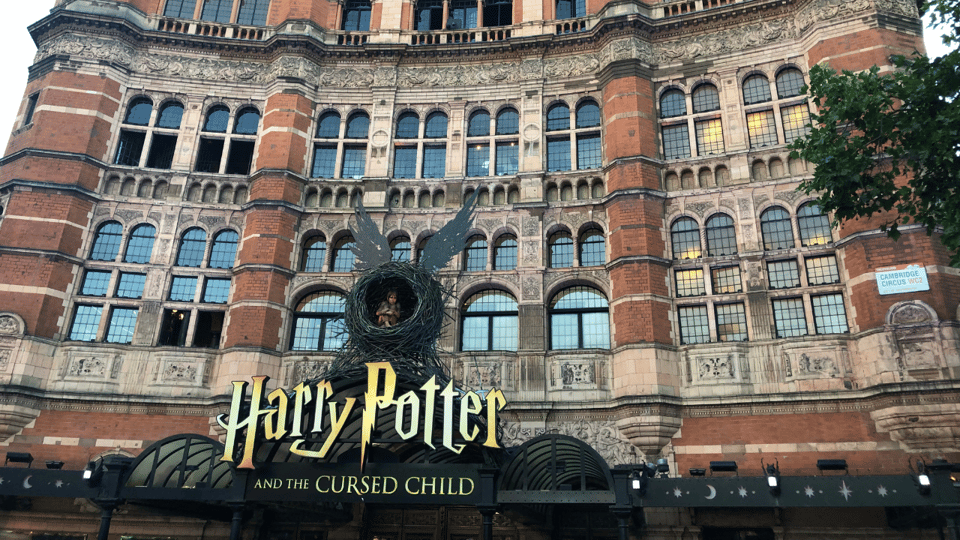
Entry fees are not included. The tour mentions seeing the theatre showcasing Harry Potter and the Cursed Child, but entry is not listed as included.